How can I apply a discount code to my purchase?Updated 4 months ago
You can enter a discount code in two main places:
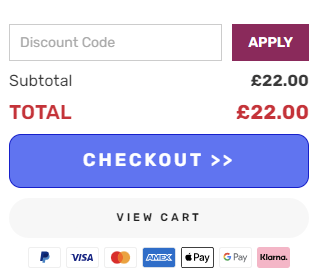
Side cart
Simply add the item to your cart and add the code above the checkout button:
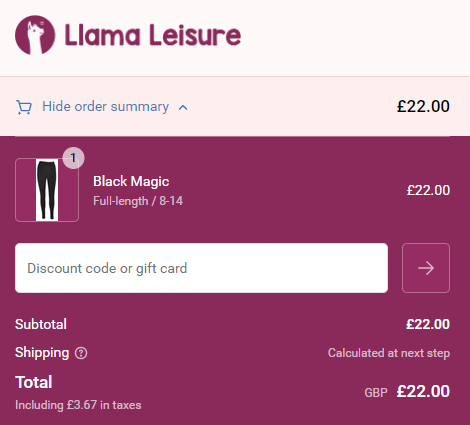
During the checkout
You'll find a field to enter your discount code in the order summary section.
Note: on mobile devices you may need to click "Show order summary" to reveal the box.
Note: Discount codes are valid on full-price items only and cannot be used on sale items, bundles or any other discounted products.